
Beyond visual pose guessing
Most AI vision systems can easily recognize a simple gesture like “hello”, but the underlying motion, timing, and intent may still remain unclear. xtan interprets gestures as motion patterns rather than static poses.
xtan is a gesture interaction framework that converts tracked motion into structured commands for professional 3D software. Instead of focusing on visual hand tracking alone, xtan emphasizes motion consistency, spatial structure, and timing. The goal is to provide reliable gesture input for real production workflows in 3D creation, VR, and spatial applications.
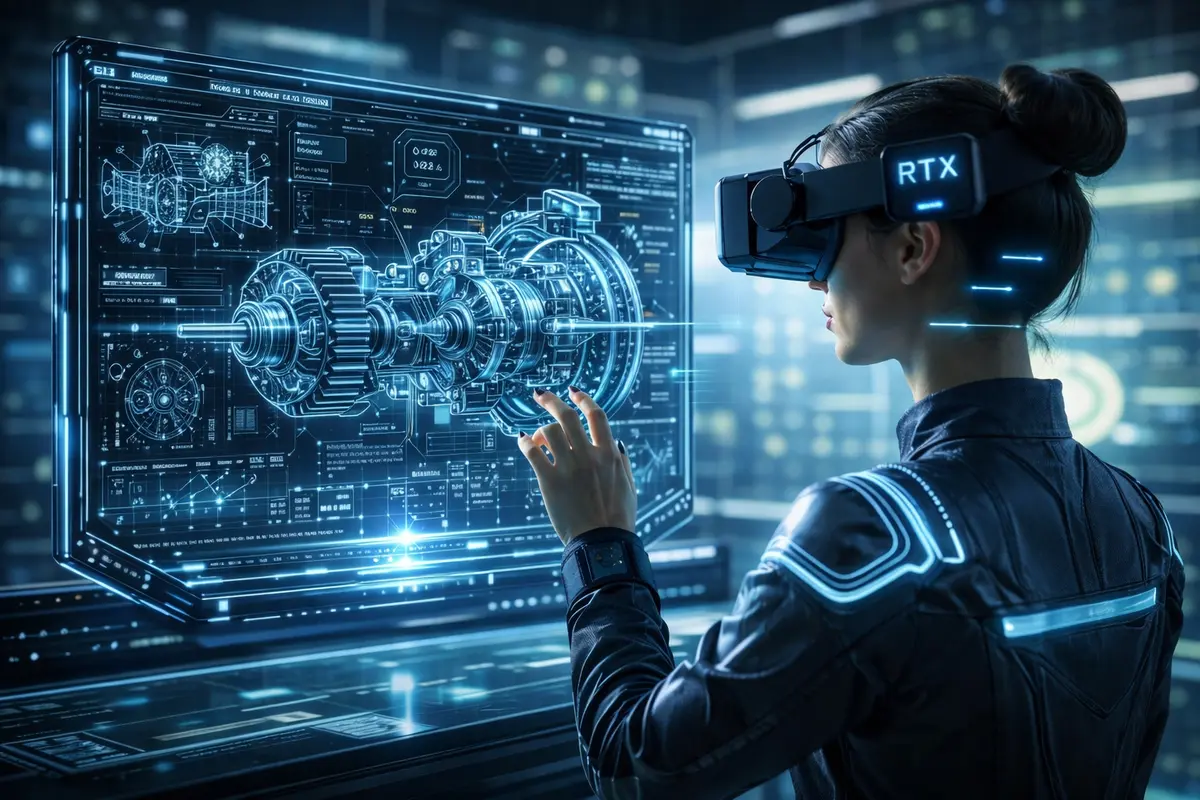
A demo video will be available on YouTube soon
Most hand-tracking systems are built for visual realism or casual interaction. They often rely on RGB cameras and AI inference to estimate a hand pose and guess a likely meaning. xtan takes a different approach by focusing on motion consistency, spatial structure, and timing.
Beyond visual pose guessing
Most AI vision systems can easily recognize a simple gesture like “hello”, but the underlying motion, timing, and intent may still remain unclear. xtan interprets gestures as motion patterns rather than static poses.

Built on spatial tracking
Instead of relying purely on image-based estimation, xtan uses precise spatial tracking data to create stable, repeatable, and more reliable gesture input for professional tools and demanding interactive workflows.
Designed for real workflows
The goal is not novelty interaction, but structured, reproducible input that fits demanding 3D and VR workflows, where stability, consistency, and reliable control are more important than visual effect.
Many professionals spend hours working in 3D environments such as Blender or Unreal Engine. Traditional interaction often requires constant switching between tools, menus, and keyboard shortcuts. xtan introduces gesture-based interaction to reduce friction and streamline creative workflows.

More efficient
Perform actions with fewer steps, reduce repeated tool switching, and interact with tools more directly during modeling, editing, and spatial workflows.

More focus
Reduce interruptions, avoid repeated context switching, and stay focused on the creative task instead of constantly navigating tools and interface layers.

Real-time and reproducible
Low latency interaction, predictable behavior, and undo-safe integrations help ensure gesture input remains stable, consistent, and reliable.
xtan is designed for creators and developers who work daily in complex 3D environments. It helps reduce workflow friction and introduces more direct spatial interaction for real production tasks.

Built for creators
xtan supports creators who spend long hours inside demanding 3D workflows. It helps reduce repeated tool switching, streamline common actions, and keep attention on the actual creative task.
Natural and fluid spatial interaction
xtan adds a spatial interaction layer that makes work in 3D space feel more direct and fluid, with less friction between real-world motion, user intention, and application response.

Simple tools, precise input
xtan can even turn a simple tracked pen into a precise spatial input tool. With a small built-in trigger button, for example via Bluetooth, lightweight tools can become stable and repeatable spatial controllers.
xtan is designed for professional 3D creation tools. Explore how xtan can be used with Unreal Engine, Blender, and SideFX Houdini.
xtan can also be used with other creative and engineering software, with more integrations possible over time.



FreeCAD, LibreCAD, and QCAD are natural candidates for gesture-assisted workflows.


SteamVR, SolidWorks, Adobe, and Godot are also possible directions for future integration.



The system is intended to remain modular, so integrations can grow alongside the ecosystem.
xtan runs on standard compute hardware. Tracking can be performed on edge devices such as Raspberry Pi 5, while processing is handled on a host system.
For best performance, the recommended architecture is EdgeTrack — a modular open-source stereo tracking system designed specifically for precise spatial motion capture.
Tracking → Fusion → Gesture Interpretation → Application Command

EdgeTrack
Captures precise stereo tracking data and extracts spatial motion information directly from synchronized camera views.

CoreFusion
Combines multiple camera views and improves tracking stability through spatial fusion and temporal consistency.

MotionCoder
Interprets motion patterns as structured gestures and maps them to commands for 3D software and spatial applications.
Join the xtan community and receive updates about development progress, releases, and hardware availability.
Access community and documentation updates with a simple email login.
No spam. Magic-link login. Unsubscribe anytime.
Originally, I wanted a short and memorable .ai domain, ideally with only four letters. Since most four-letter .ai domains were already registered, I chose xtan.ai when I found it still available.
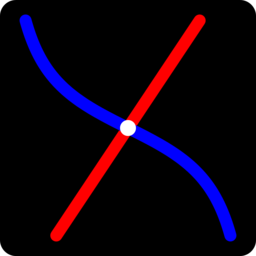
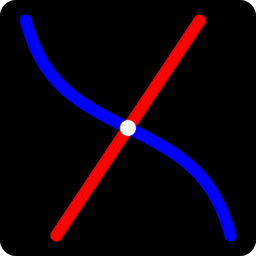
The logo is based on a simple mathematical construction: a straight line and a tangent curve that together form a stylized X with an inner flowing structure.
Instead of being manually illustrated, the shape was generated programmatically with CSS and JavaScript. The concept can be visualized by plotting y = 1.5x and y = tan(-0.5x) over the interval -π < x < π.
This section is still new and currently under development. I will continue refining it step by step. Thank you for your understanding and patience.